
Excited to teach new students the art of Photoshop!
double exposure student WORK by an 8 year old!
This is literally how I feel today because we have a new intern starting this afternoon!!! 🎉🎉🎉

Fall Photography Club- Coolest Photo Ever

Had to share this from our Tuesday class, any guesses how we got this angle??
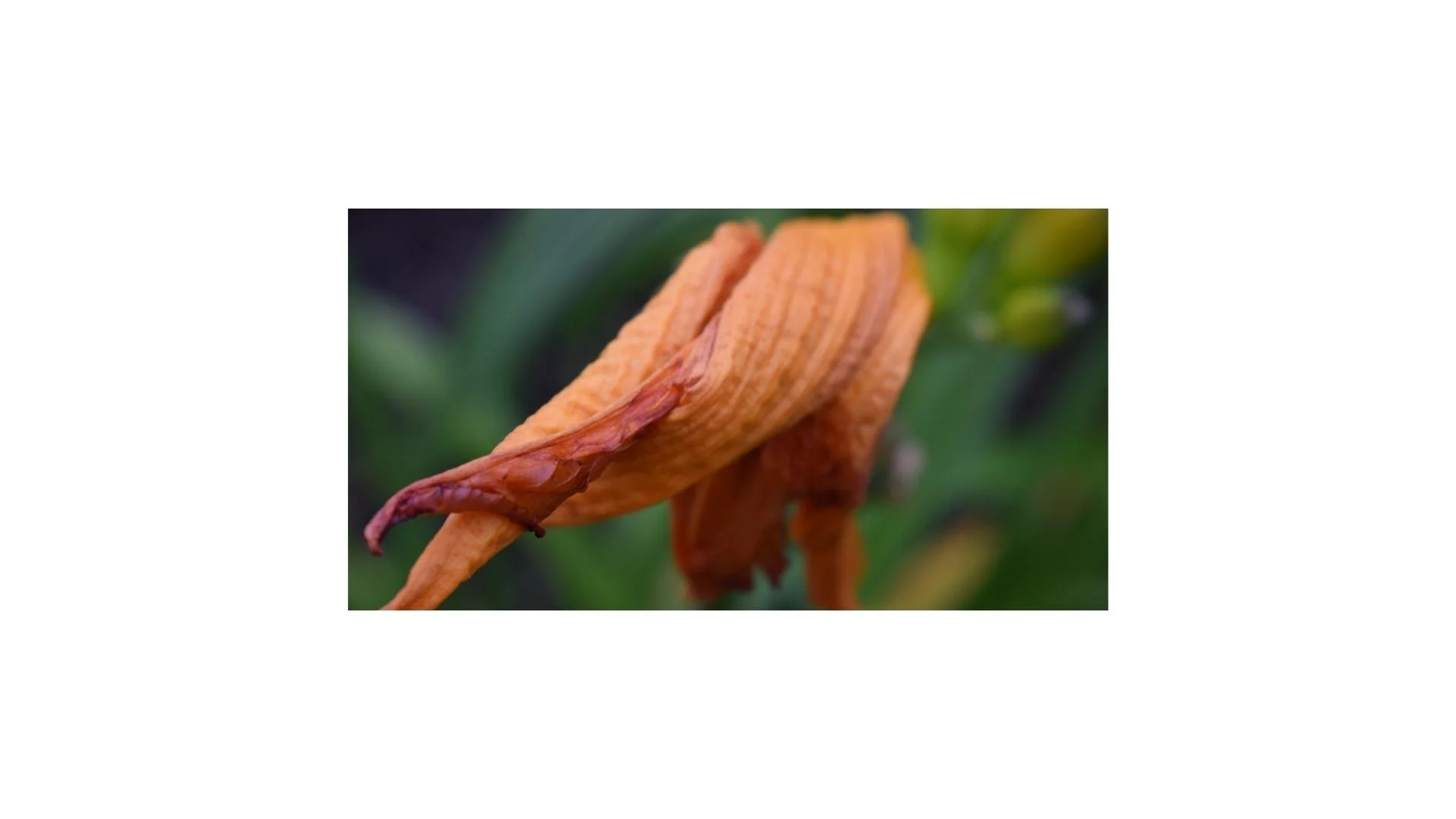
Fill the frame! Composition Tool #1
Fill the Frame:
This is a great challenge to get uncomfortably close to your subjects!
Our students love this one because you can see details that you might not notice with other objects in the frame.
Play with manual focus and autofocus as the lens gets confused on autofocus sometimes when you’re trying to capture things close up. Also, remember to zoom in if needed to add the extra push into your subject (what you’re taking photos of.)
Ok, now go take pictures!


Photo by Nora in North Bend- age 8

Teacher Examples!
Student Work! Intro to Cameras: By Ben D.L.
The reason we learn how to take pictures manually is because cameras are made to make a well balanced photo, but most of the time you won't want such a vanilla effect, instead, when adjusting manually, the photo can be almost anything.
First Setting: Shutter Speed
A faster shutter speed leaves out blur or motion, while slower shutter speeds create blurred fluid photos.


This changes a photo because the slower the shutter speed, the more undefined and abstract the photo is.
Second Setting: Aperture

Aperture is used to control how bright your photo is, a larger or wider aperture makes your photo brighter, while a smaller aperture makes your photo darker. The trick is to find a good balance for the conditions the photo is being captured in.